4 min read
Docs, MCP, Multimodal RAG are Live
ON THIS PAGE
CATEGORY
Announcement
PUBLISHED
Mar 24, 2026
SHARE
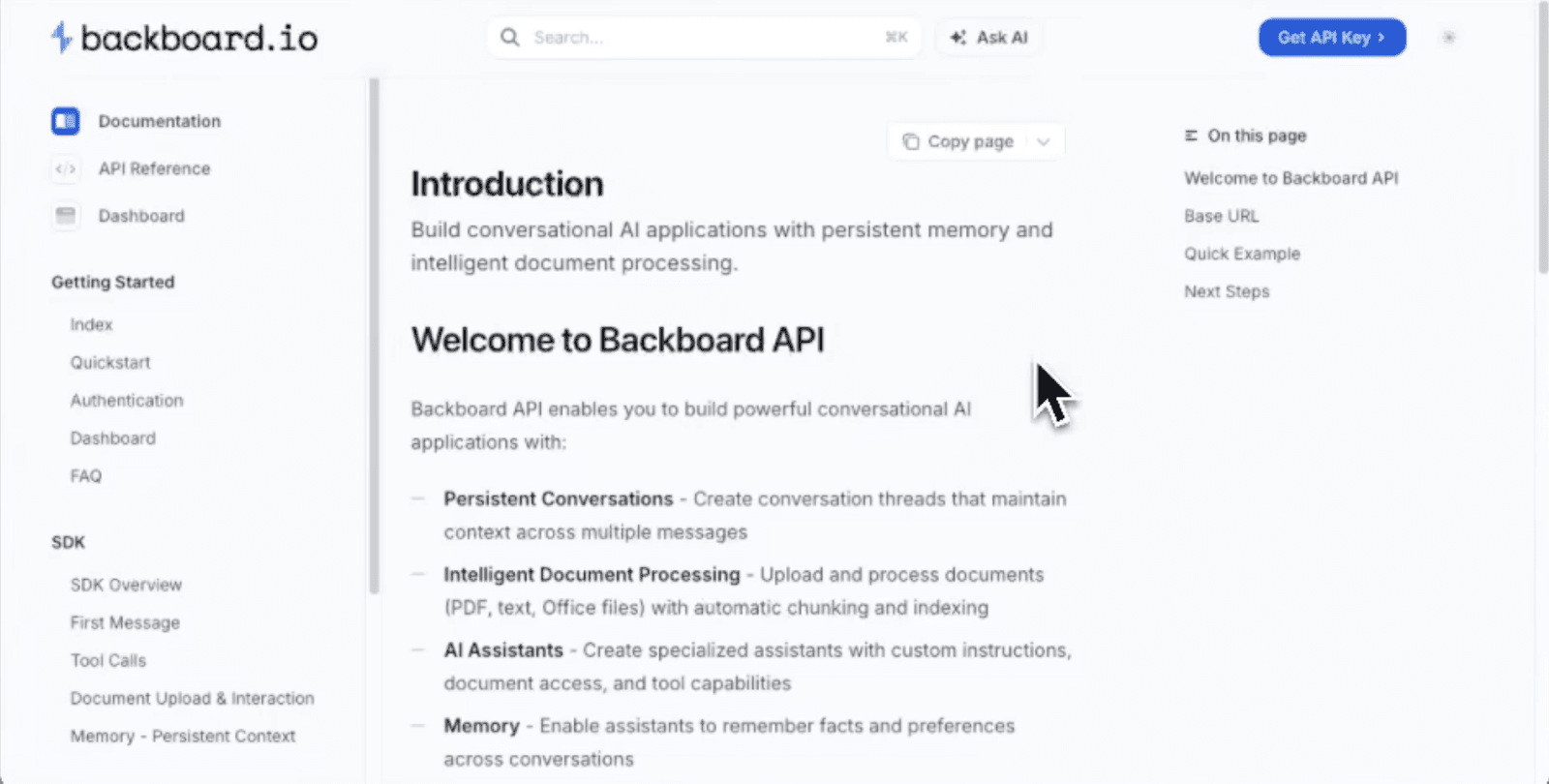
The new Backboard documentation is live—and our official MCP server is live along with it. Here's what shipped!
What Shipped
Full Documentation: Endpoints, examples, architecture, and feature breakdowns.
MCP Integration: Direct integration for Cursor, VS Code, and Claude Code.
Multimodal RAG: We now support images (with or without text) and images embedded in PDFs, Word docs, and slides. It's one unified API to solve everything—no need to parse files separately.
.pdf.doc/x.ppt/x.png.jpg.webp.tiff.csv.jsoncode (.py, .js, .cpp...)
What is MCP?
MCP is a standard way for your IDE (Cursor/Claude) to call tools securely. In this case, it lets you "ask the Backboard docs" directly from your editor.
Add to Cursor (1-2-3)
Go to Settings → Tools & MCP → New MCP Server and enter:
NAME: backboard-docsTYPE: streamableHttpURL: https://backboard-docs.docsalot.dev/api/mcp
Click Install, then make sure it's toggled on.
Add to Claude
1. Open the Backboard Docs Site.
2. Click Copy page (top right).
3. Choose Connect to Claude Code.
4. Follow the on-screen steps.